
Free Audio to Text Converter
Transcribe audio to text for free in your browser. Review your transcript as you listen, then copy or export it as TXT or SRT. No sign-up required.
Up to 30MB and 10 minutes per file.
The AI model downloads once (~75MB) and is cached by your browser.
No transcription yet
Upload an audio file and start transcription to see timestamped segments here.
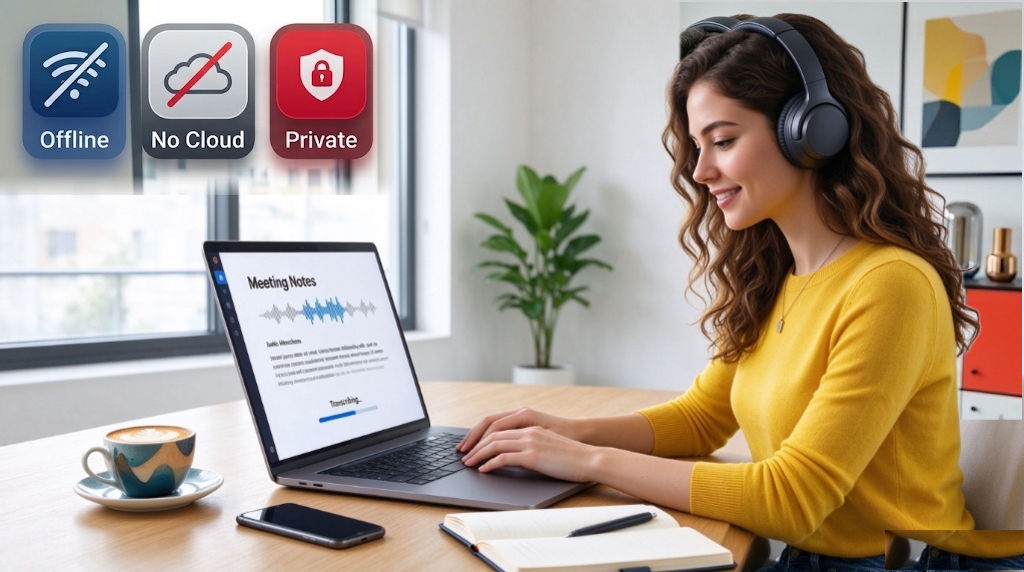
Private Audio Transcription, Even Offline
Your audio is processed directly on your device, without being uploaded to a cloud server. The first time you use the tool, your browser downloads an AI model of approximately 75 MB. After setup, you can transcribe audio to text offline as long as the required model and application resources remain available on your device.
Review, Copy, and Export Your Transcript
Review While Listening
Play the original audio while reading the transcript to check names, wording, and other details.
Show or Hide Timestamps
Toggle timestamps on or off to view timed text or read a cleaner transcript.
Copy Your Transcript
Copy the generated text to use in notes, documents, or other applications.
Export TXT or SRT Files
Save a TXT file for plain-text use or export an SRT file for timestamped subtitles.
How to Transcribe Audio to Text
Upload Your Audio
Upload a supported audio file and select the spoken language for better transcription accuracy. AI can automatically detect 9 languages.
Start Transcription
Start the audio to text transcription process and wait for your browser to generate the text.
Review Your Transcript
Check the generated text against the original audio, then copy it or export it in your preferred format.
Supported Audio Formats
Private Audio Transcription for Everyday Use
Convert audio and speech to text for work, study, or personal reference while keeping your audio on your device.

Meeting Notes
Turn recorded discussions into searchable text to review key points and prepare meeting notes.

Interviews and Research
Transcribe interviews and recorded conversations, then check quotes, names, and important details against the original audio.

Lectures & Study Notes
Convert lecture recordings and spoken lessons into text that is easier to review and organize.
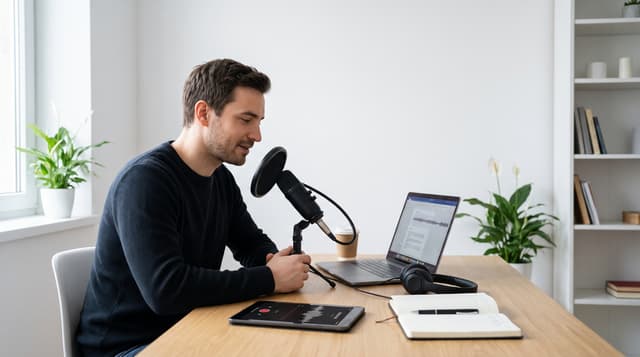
Podcasts & Voice Memos
Turn podcast recordings and voice memos into text for editing, reference, or personal records.
FAQ
How accurate is audio-to-text transcription?
Transcription accuracy depends on audio quality, background noise, accents, and speech clarity. For better results, select the spoken language manually and review names, technical terms, and other important details while listening to the original audio.
Do I need to sign up to transcribe audio?
No. You can transcribe audio to text and access your full transcript without creating an account or logging in.
Why is audio transcription slow on my device?
Because transcription runs locally in your browser, processing speed depends on your device's hardware, available memory, and browser capabilities. Longer recordings and less powerful devices may take more time to process. If transcription is slow, try closing other tabs or apps and using an up-to-date browser.
Is my audio uploaded or stored?
No. Your audio is processed directly on your device and isn't uploaded to or stored on our servers. Your audio stays on your device during transcription.
Can I transcribe audio offline?
Yes. After setup, you can transcribe audio to text offline as long as the required model and application resources remain available on your device.
Which languages are supported?
The audio to text converter supports automatic language detection for 9 languages: English, Spanish, French, German, Japanese, Korean, Mandarin Chinese, Cantonese, and Russian. For better results, select the language spoken in your audio before starting transcription.
What audio formats are supported?
The transcript generator supports MP3, WAV, M4A, AAC, WebM, and OGG audio files.
What text formats can I download?
You can copy your transcript or export it as a TXT file for plain text or as an SRT file with timestamps.
Is this audio-to-text converter completely free?
Yes. All transcription features are free to use, with no subscription or payment required.
Ready to Transcribe Audio to Text?
Turn your recording into text, then review and export your transcript as TXT or SRT.
Start Converting Now